Make flyers, logos and business cards with AI.
Describe what you want to make. Byna Studio© writes the text, places your own logo and draws up to four designs at once on your canvas, ready to download or to send to the printer.
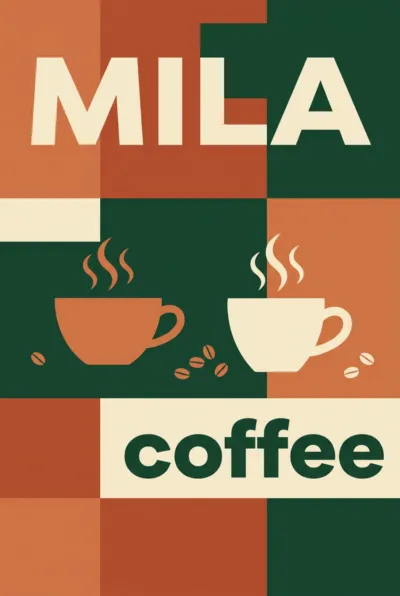
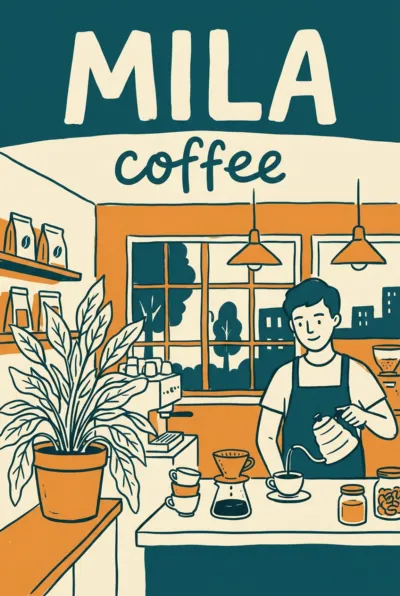
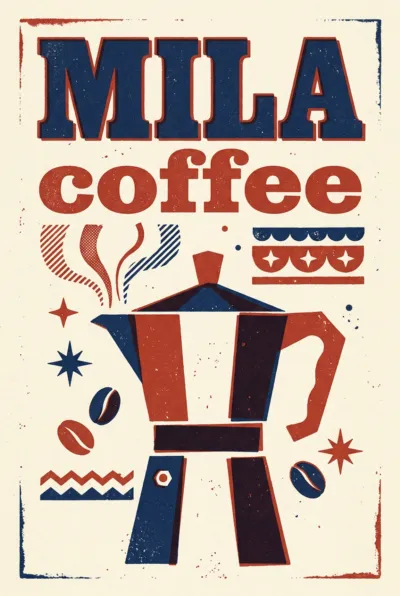
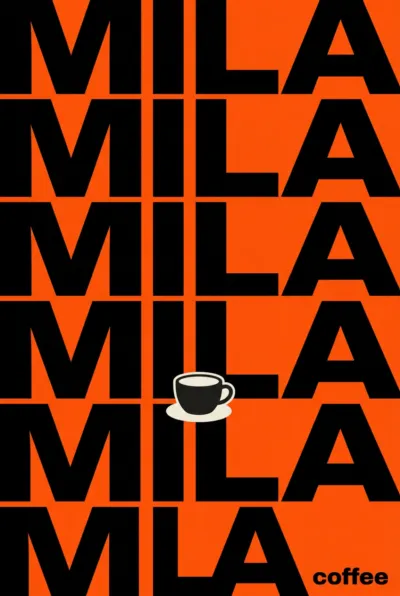

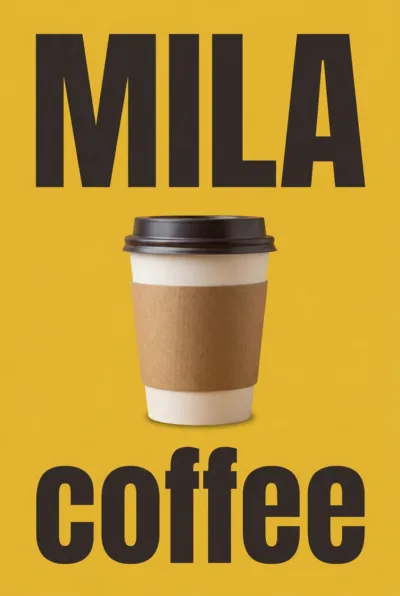
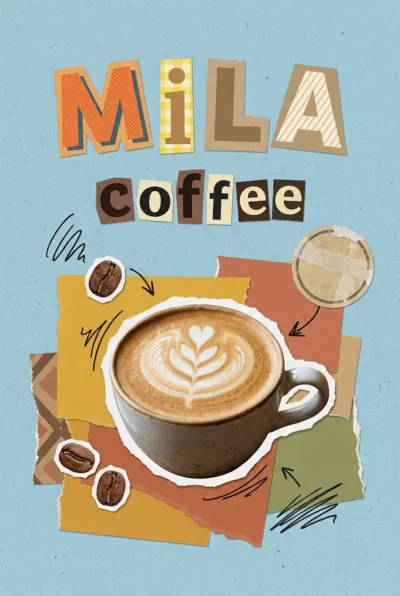
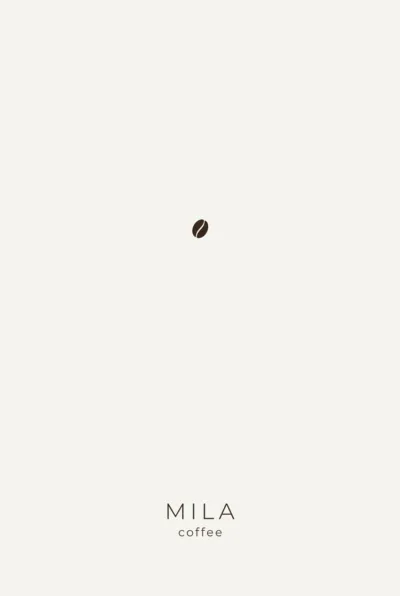
Start from a flyer, business card or logo
Pick one of the six starts and Studio sets up a first draft with your company name, your logo and your contact details from your profile. One question in brackets waits in your prompt: answer it and you can generate.
- Flyer, business card, logo, poster, social media post and menu
- Your logo and contact details come from your company profile
- One question in brackets, so you know what Studio still needs from you
- Or start blank and describe a banner, invitation, price list or sign
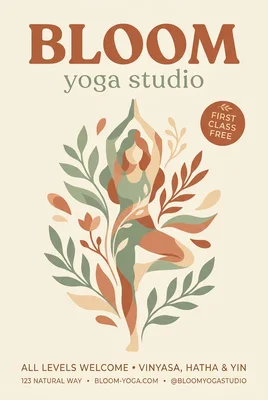

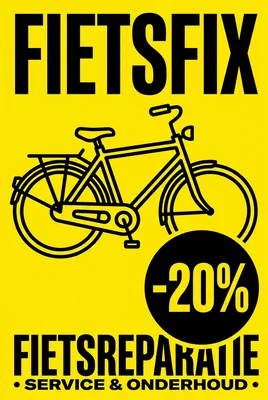
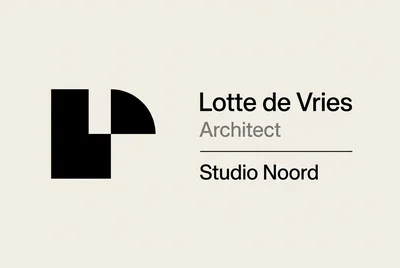
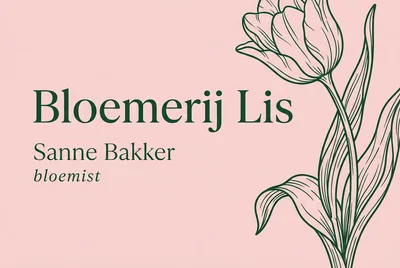
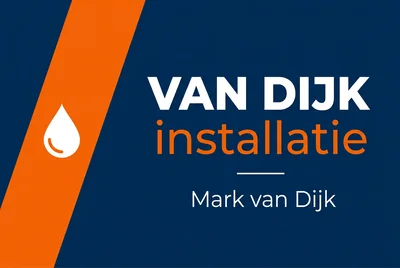
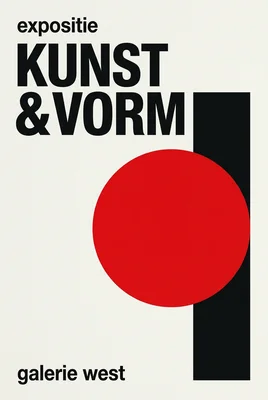
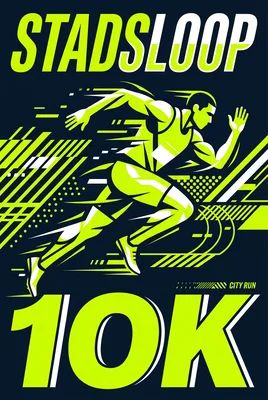


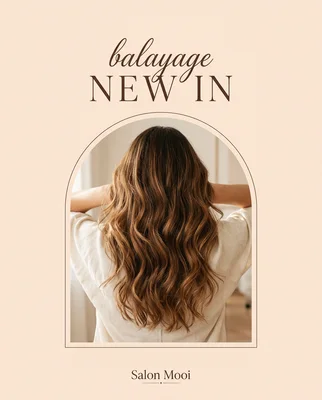
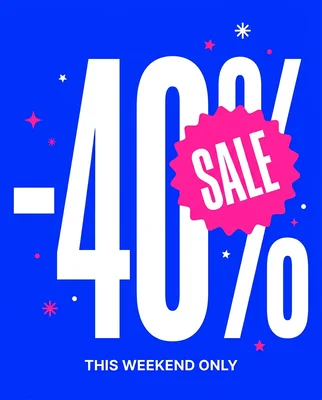
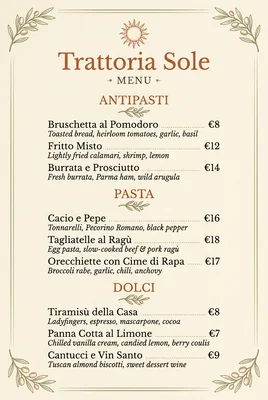
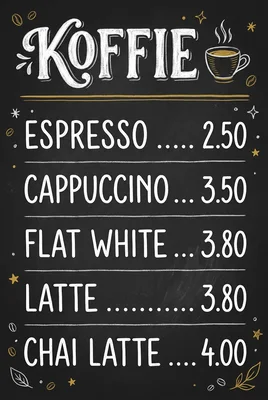
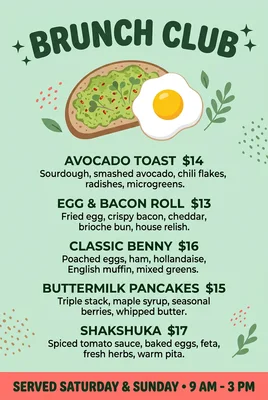
The text lands on the design the way you type it
The AI takes the text from your description and sets it out as separate lines: a headline, a name, a phone number. You change any line before you generate. Only lines with text go on the design, letter for letter.
- Up to ten lines of text per design, each with its own label
- A line without text stays off the design
- The AI never makes up a phone number, email address or website: they come from your profile or from you
- Fill the lines in again with AI after you change your description
From idea to print
You describe it, the AI designs it, and if you want, a check catches the mistakes before you see them.
Answer one question
A start sets up your draft with one question in brackets. Studio selects that question for you, so you type your answer straight away.
AI art direction
With AI art direction on, the AI first writes its own picture idea for every design: the subject, the type and the colours. Four designs at once become four different ideas.
Quality check
Switch on the quality check and the AI looks at every design the way a printer does: the logo twice, text over a graphic, text too close to the edge, spelling. What it finds gets repaired once.
Print-ready PDF
Download a flyer, poster or menu as a PDF on A5, A3 or A4 with 3 mm bleed. Studio warns you when a design has too few pixels for a sharp print.
All your designs on one canvas per project
Every project has a canvas of its own. Each time you generate, a new row of designs joins it, so you compare versions side by side. A project keeps your prompt and settings, so you carry on later where you left off.
- Drag, zoom and download several designs at once
- Make a variation or use the settings of a design again
- A print PDF with 3 mm bleed on the right paper size
- Every design is in your media library too

What you make with Byna Studio©
Twelve kinds of design, each in the format and on the paper it is made for.
Flyer
Portrait 2:3, as a PDF on A5 with bleed.
Poster
Portrait 2:3, as a PDF on A3.
Business card
The front, 85 by 55 mm with bleed.
Logo
A mark with your name on a plain background.
Social media post
4:5, the size of a portrait post.
Story
9:16, filling the screen of a phone.
Banner
16:9 landscape, for your website or a screen.
Menu
Portrait 2:3, as a PDF on A4.
Price list
Portrait 3:4, as a PDF on A4.
Invitation
A card in 2:3, as a PDF on A6.
Sign
Landscape 3:2, as a PDF on A4.
Something else
Describe it and pick one of nine formats yourself.
Common questions
Try Byna Studio© free for 30 days.
Cancel any time, and your data stays exportable.