Work orders, vehicles and invoices for your garage.
Look up a car by licence plate, create a work order, assign a mechanic and invoice at the counter. Built for car, motorcycle and scooter workshops in the Netherlands.
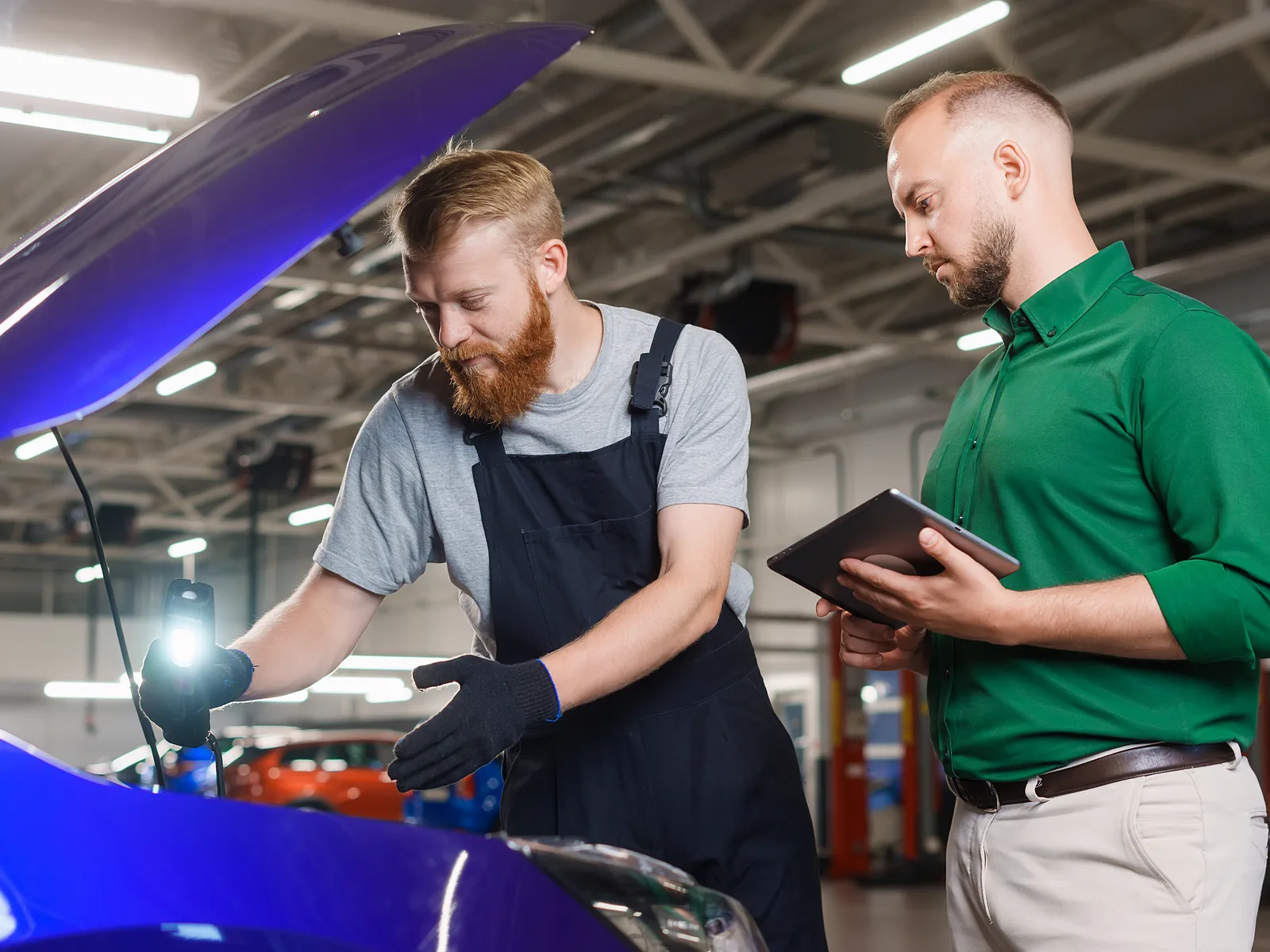
Look up a car by licence plate.
Enter a plate and Byna fills in make, model, fuel, engine code and APK expiry date from the open data of the RDW. Open recalls show up on the work order.
- Make, model and fuel from the RDW
- Engine code and APK expiry date
- Open recalls on the work order
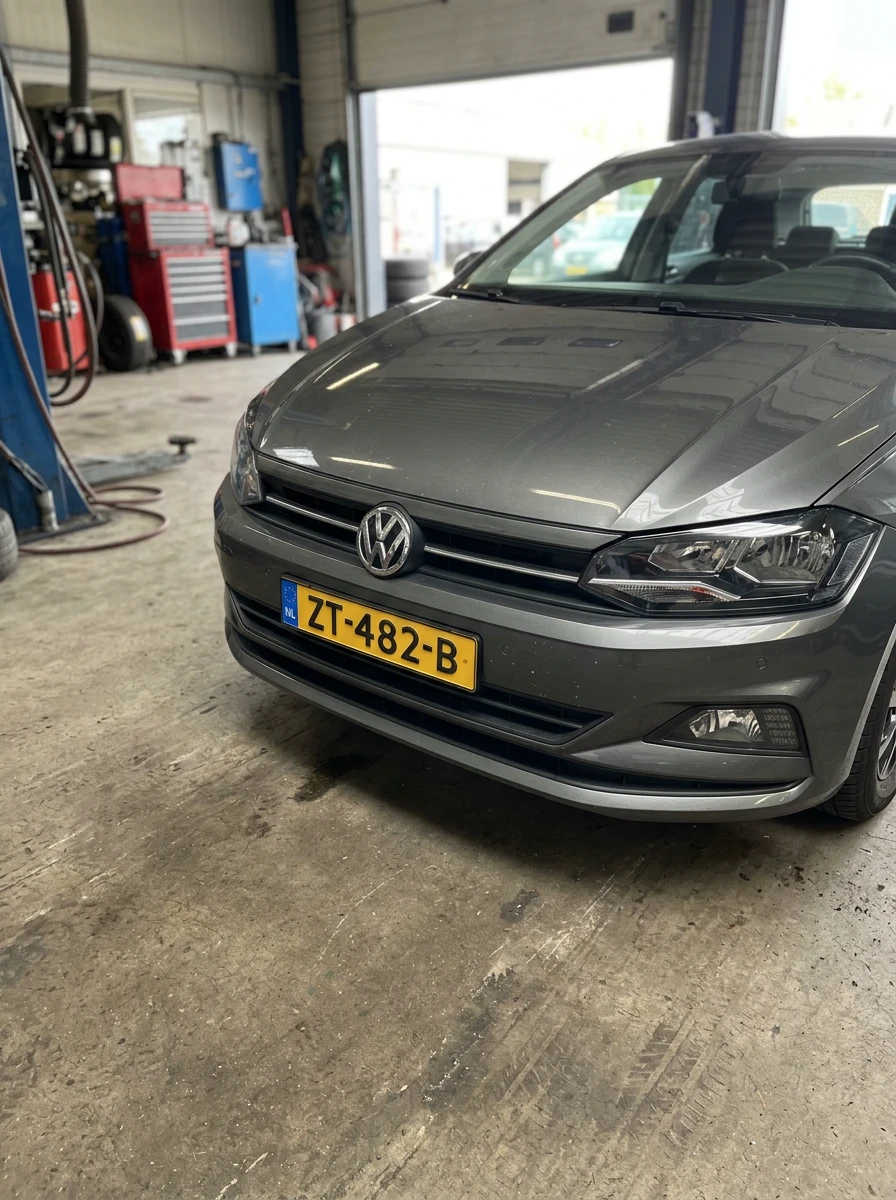
Scan the plate, the registration card or the VIN.
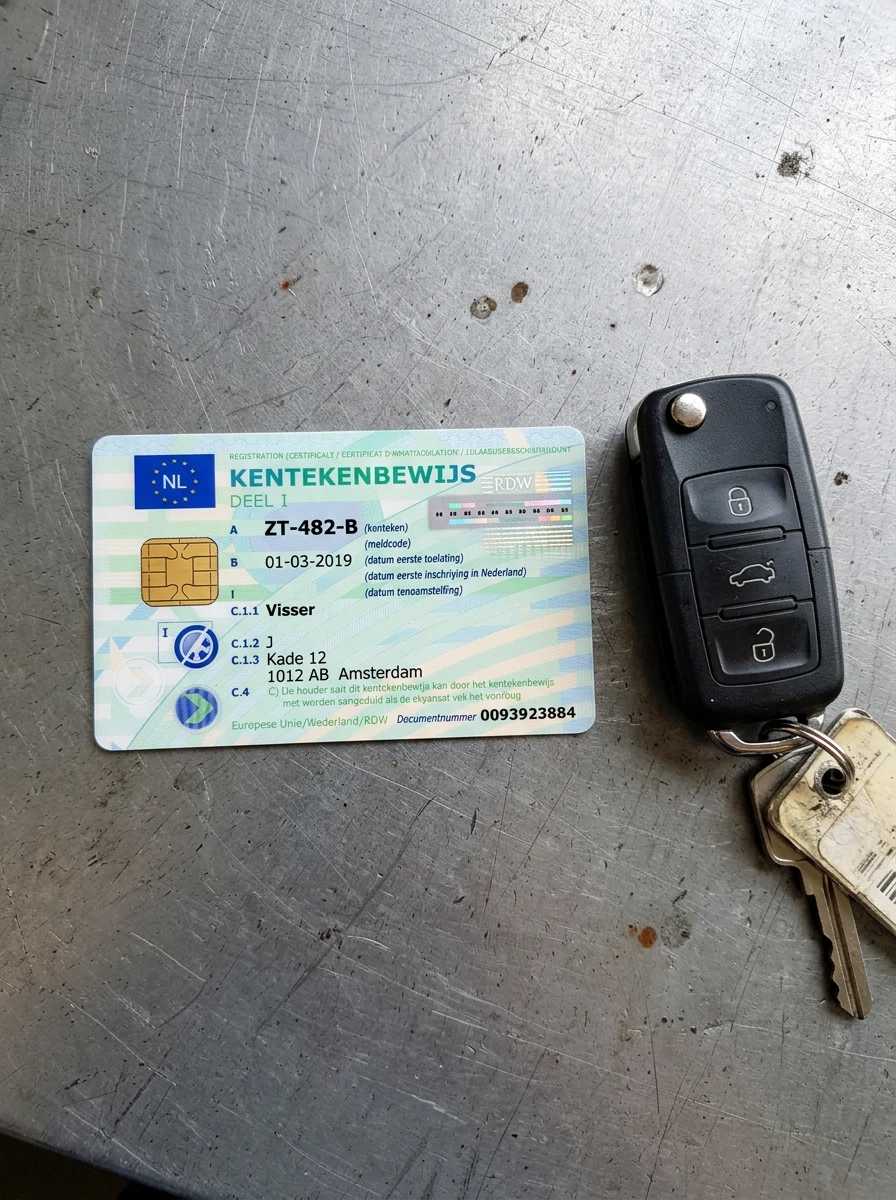
Point the phone camera at a licence plate, the registration card or the VIN on the chassis, from any angle. Byna reads the plate and finds the vehicle at the RDW. The registration card creates the client as a contact, with the vehicle under it and the VIN filled in. The mechanic types nothing over.
- Plate read from any angle, the camera takes the photo by itself
- The registration card creates or links the client, with the vehicle under it
- The back of the card or the chassis fills in the VIN
Work through a work order step by step.
Intake, work, parts, finish and invoice. Each step has its own screen, with the odometer reading, checklist and photos on the record.
- Odometer reading at intake
- Checklist and photos on the record
- Every step works on a phone or tablet
Scan the filled-in work order back.
Print the work order for the workshop floor. The mechanic ticks tasks and writes the odometer reading, the hours and the parts on paper. One photo per page and Byna reads the ticks and the handwriting, fills in the work order and puts a scan mark on every row the scan filled.
- Ticked tasks, odometer, worked time, parts and findings
- Each printed page is matched to the right work order
- Written parts are matched to your products with their prices
Clock hours per job.
Mechanics start a timer on the work order. Clocked hours go on the invoice as labour.
- A timer on every work order
- Clocked hours go on the invoice as labour
- Mechanics see the work orders assigned to them
What you can do with it
Licence plate lookup and scan
Enter a plate, or scan the plate, the registration card or the VIN with your phone. Byna fills in make, model, fuel, engine code and APK expiry date from the RDW. Open recalls show up on the work order.
Work orders step by step
Intake, work, parts, finish and invoice. Each step has its own screen, with the odometer reading, checklist and photos on the record.
Mechanics and planning
Assign a work order to a mechanic and plan it in the agenda. Mechanics see the work orders assigned to them. Rates and settings stay with you.
Timer per job
Mechanics start a timer on the work order. Clocked hours go on the invoice as labour.
Print and scan work orders
Print a work order for the workshop floor. Scan the filled-in paper with your phone and Byna fills in the ticked tasks, odometer, hours, parts and findings, with a scan mark on every row.
APK reminders
Switch on APK reminders and Byna emails your clients before their APK expires.
How it works
Invoice at the counter.
When the car is done, you create the invoice from the work order. Send it by email, register a pin payment and print a receipt and a service sticker with the next service date and mileage.
Vehicle details on invoices and quotes.
Invoices and quotes show the vehicle and its licence plate. Add the service history of that car, so your client sees what was done before.
Common questions
Try the Garage app free for 30 days.
Cancel any time, and your data stays exportable.