Scan a stack of documents, get a clean table back.
Tell Byna once which fields matter, then drop in photos, PDFs or a whole ZIP archive. The scanner reads every file in the background and hands back rows you can check, filter and export.
You decide which fields come out.
Upload one sample document and Byna proposes the tables and columns it can read from it. Rename them, add what is missing, drop what you do not need, and save it as a template. Everything you scan after that comes back in exactly those columns.
- Fields proposed from a single sample
- Rename, add or remove columns yourself
- Reuse the template for every next batch
 Byna API
Drop the whole stack at once.
Drag in a folder of PDFs and photos, or one ZIP archive, and Byna works through it in the background. A live progress view shows what is done and what is still queued, so you can close the tab and come back to a finished batch.
- PDF, JPG, PNG, WebP, HEIC and ZIP
- Up to 50 MB per file and 2 GB per ZIP
- Cancel a batch, retry a single file
A photo of a receipt is enough.
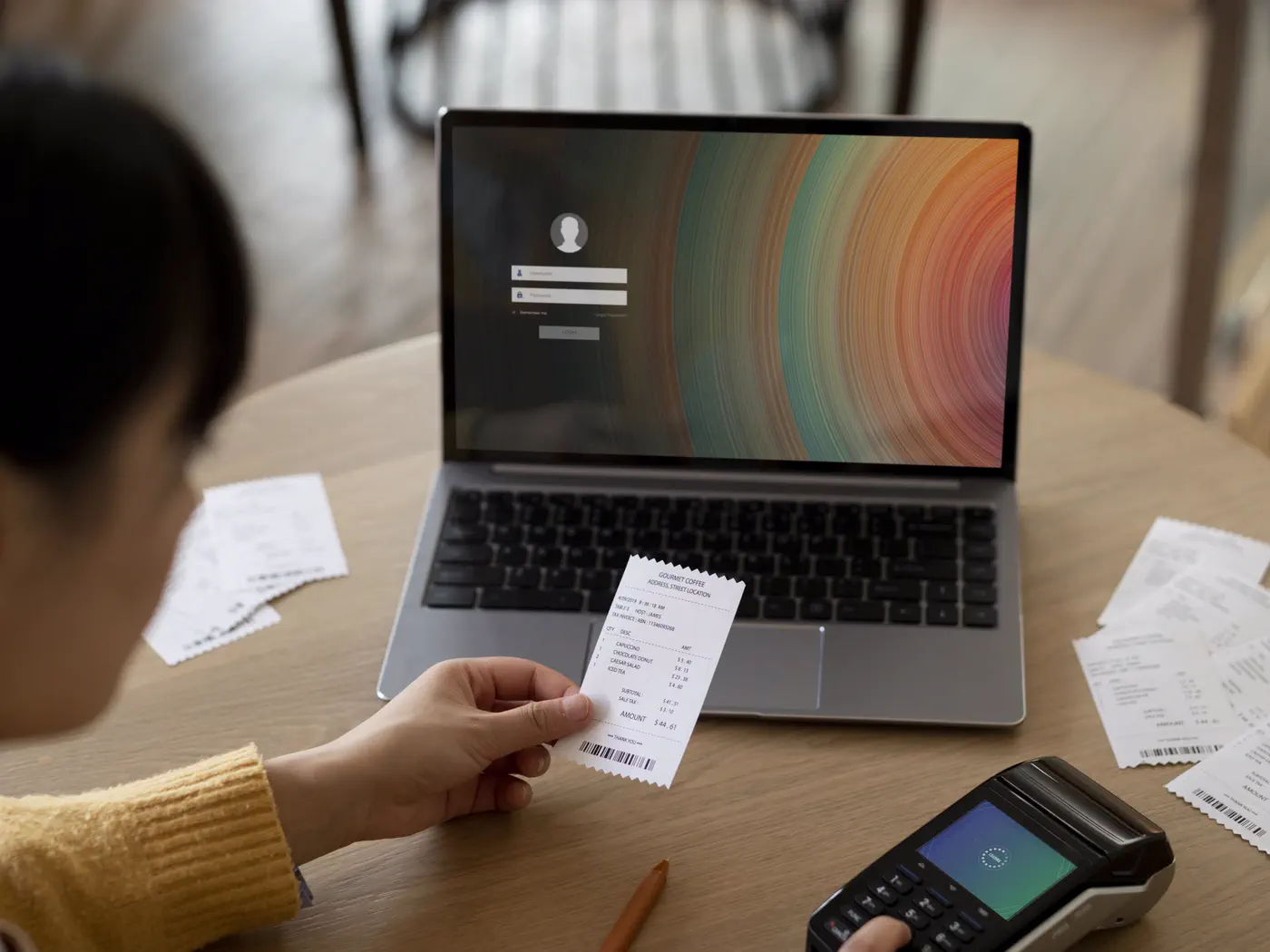
Photograph a receipt on the spot and upload it. Phone photos are accepted as they come, HEIC included, so there is nothing to convert first. The original stays stored next to the extracted data and opens full size whenever you want to check it.
- Phone photos, HEIC included
- Original kept and downloadable
- Preview beside every extraction

Purchase invoices land in your bookkeeping.
In the accounting module you upload supplier invoices and receipts, and Byna reads the supplier, the invoice number, the dates, the amounts and the VAT rate. A review queue then walks you through them one by one, with the original beside the fields, and nothing counts towards your books until you approve it.
- Supplier, invoice number, dates and totals
- VAT rate and amount read from the document
- Reviewed one by one before anything is booked
The Byna API reads a document in 0.7 seconds.
We built our own API for document scanning. It reads invoices, receipts and other documents and puts the data in your workspace. Wherever it runs you see the Byna API badge, for example on the upload fields of the Document scanner.
- 0.7 seconds per file.
- Reads amounts, dates and VAT accurately.
- Runs on our own servers and does not store your data.
- Recognisable by the Byna API badge on upload.
Built for real stacks of paper
Scanning one document is easy. The work is in the hundred after it, and that is where these details start to matter.
Duplicates get skipped
Skip files you already scanned, by filename, by exact file content, or by a value in a column you pick. The check runs before the scan, so a duplicate costs you nothing.
Processed by our own Byna API
Every scan runs through the Byna API: private and secure, running on our own servers so your documents are never handed to a third party, and optimized for bulk uploads at up to 0.7 seconds per image.
Export where you need it
Download a single document or everything scanned with one template as Excel, CSV, JSON or XML, and take the data straight into whatever you use next.
Retry what failed
Every batch reports which files failed and which were skipped, with the reason. Retry one file or all of them, without running the rest again.
Every action logged
Uploads, extractions, exports and deletions are recorded per template, with the person and the moment. Deleted templates and documents can be restored.
Straight into your VAT figures
Scanned purchase invoices you have checked feed your VAT figures and the accountant package, with the original files packed alongside them.
Common questions
Try document scanner free for 30 days.
Cancel any time, and your data stays exportable.